

Granola + Salesforce
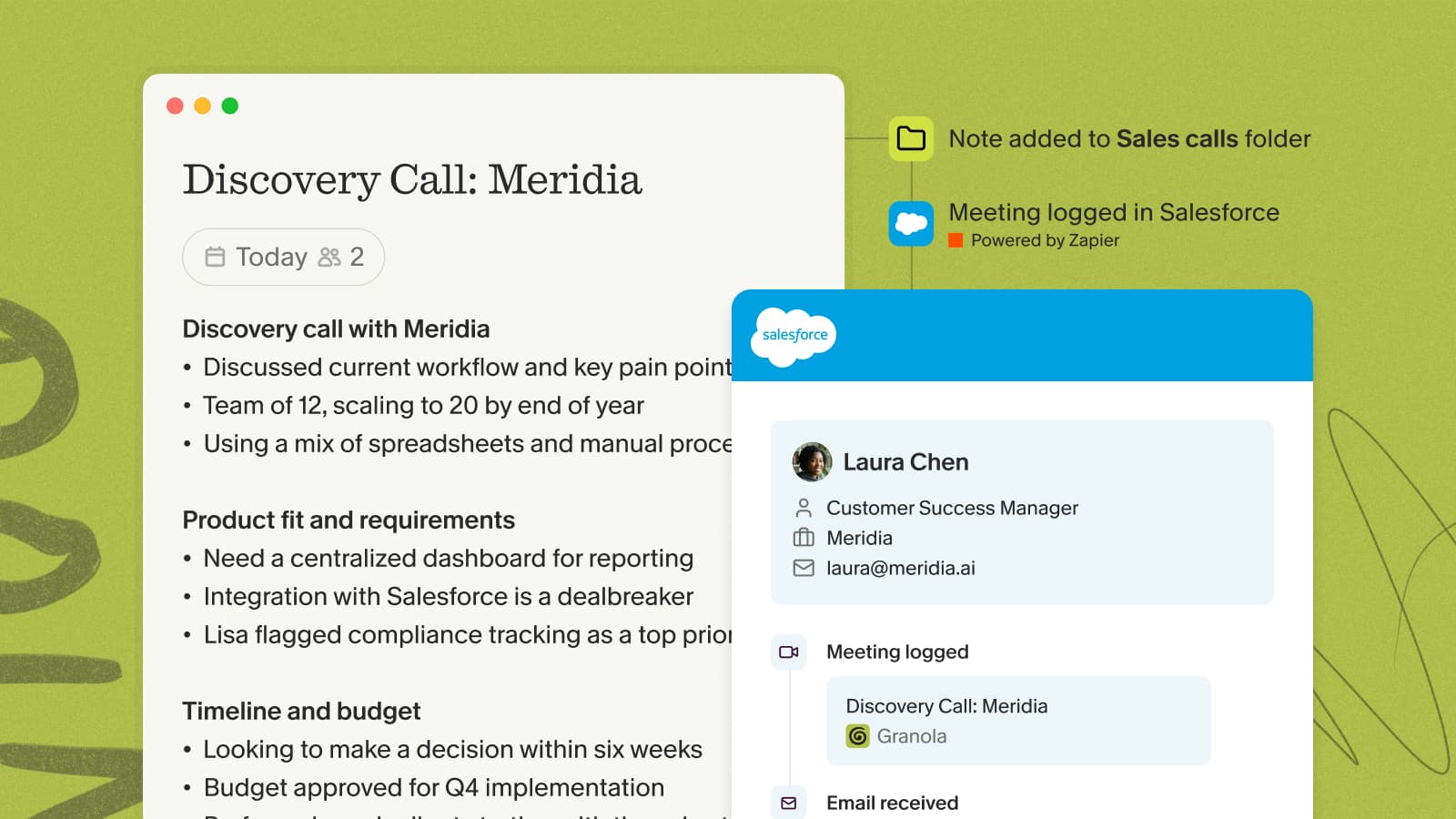
Overview
Connect Salesforce to Granola via Zapier to turn your meeting notes into Salesforce records — log summaries to Opportunities, create follow-up Tasks, and update Contacts without any copy-paste.
Zapier is available to paid Granola users on the desktop app, and you'll need a Zapier account.
Native connector (early access)
Granola is rolling out a native Salesforce connector to selected workspaces. To register interest, choose Join waitlist on Salesforce in Settings → Connectors.
Setting up the integration
- In Zapier, create a new Zap and choose Granola as the trigger app.
- Pick your trigger — Note added to Granola folder to fire automatically whenever a note lands in a chosen folder, or Note shared to Zapier to push notes by hand from the note's share menu.
- Add Salesforce as the action app, select Create Record, and choose the object — an Opportunity, Contact, or Task.
- Map the note's summary and action items into the Salesforce fields you want, then turn the Zap on.
How it works
Once the Zap is live, every note that hits your trigger flows straight to Salesforce:
- Point the folder trigger at a folder like Sales Calls — new notes added there sync automatically.
- Or leave it manual and push a specific note to Zapier from the share menu once you've reviewed it.
- Each record is populated from the note, so your pipeline reflects what was actually decided in the meeting.
Example automations
- Log a meeting summary to the matching Opportunity
- Create follow-up Tasks from a call's action items
- Update a Contact with the outcome of your latest conversation