More than an AI meeting assistant

Most AI meeting assistants sit in your call as a visible participant, logging every word into someone else's server. Granola works differently - quietly, on your device, so you can stay in the conversation instead of performing for a recording.

Looking for an AI meeting assistant?

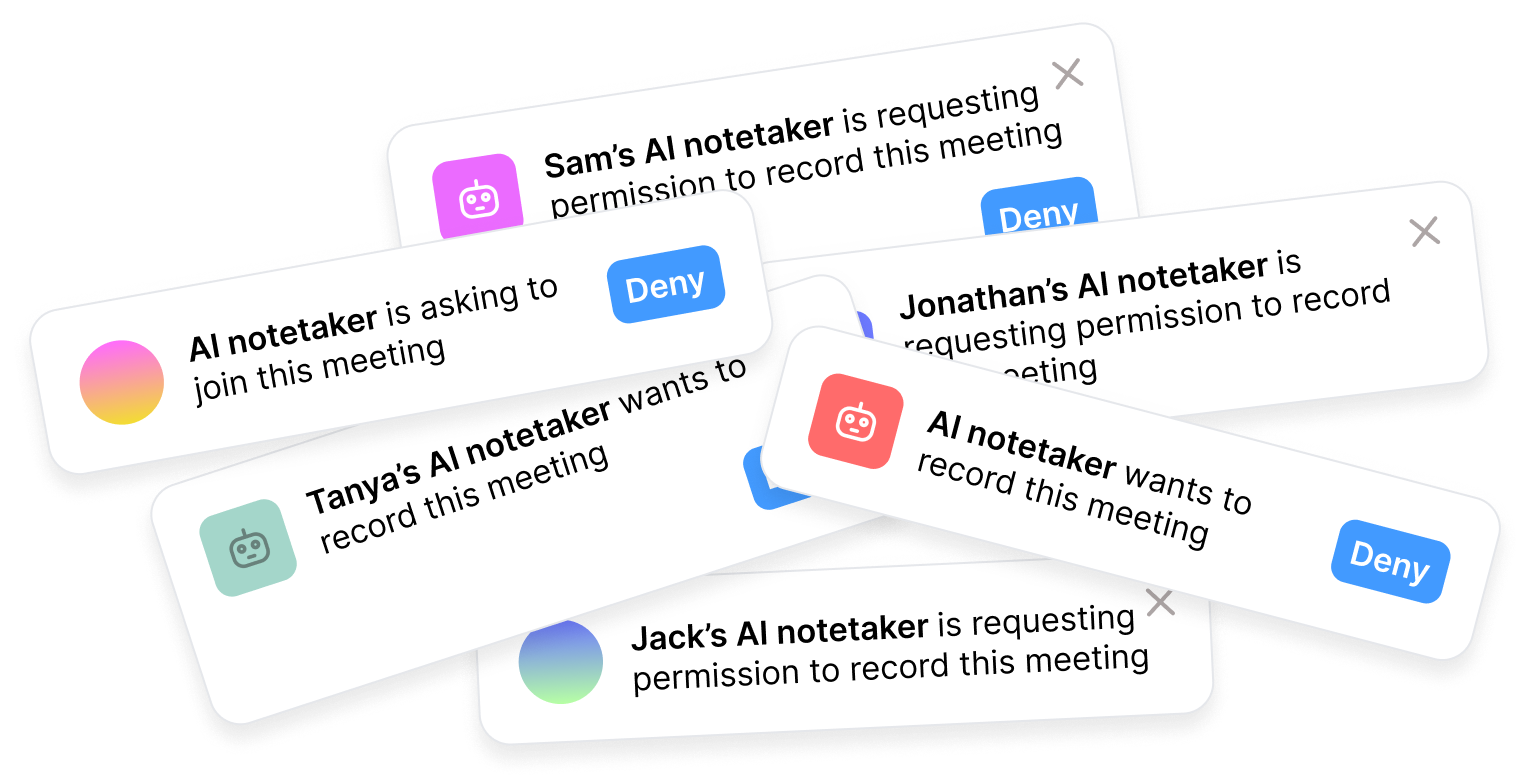
You're in the right place - though Granola might surprise you. Most AI meeting assistants are bots. They join your call as a named participant, transcribe everything in real time, and send the output to a cloud server when it's over.

Granola takes a different approach. It runs on your device, captures your meeting audio locally, and combines what you heard with the notes you actually took. When the call ends, you instantly get clean, editable notes, not a wall of transcript. No bot. No notification. No one else in the room.

AI meeting assistant notifications

What's an AI meeting assistant?

An AI meeting assistant helps you capture, process, and act on what happens in your meetings. It solves a real problem: you don't have to choose between listening and writing.

But the output is usually built for no one in particular. The same generic summary goes to every attendee. The transcript sits in a separate app you only open when you need to find a specific quote. Action items are rarely specific enough to actually do. And nothing connects back to what you were thinking during the meeting: your notes, your reactions, your read on the room.

Most tools also join as a visible bot, which changes the conversation. People speak differently when a recorder is in the room - especially in client calls, interviews, or early-stage discussions where honesty matters more than polish.

The best version of an AI meeting assistant doesn't attend your meetings. It makes them more useful before, during, and after.

With Granola, the assistant works for you

Granola helps you before, during, and after every meeting - without ever joining the call.

Prep before: ask what was said in your last meeting with this person
Capture during: write rough notes, Granola fills in what you missed
Act after: draft follow-ups, update your CRM, brief your team

AI meeting assistant vs Granola

AI meeting assistantGranola
Captures meeting content
No bot joins your call
Works across all meeting platformsSometimes
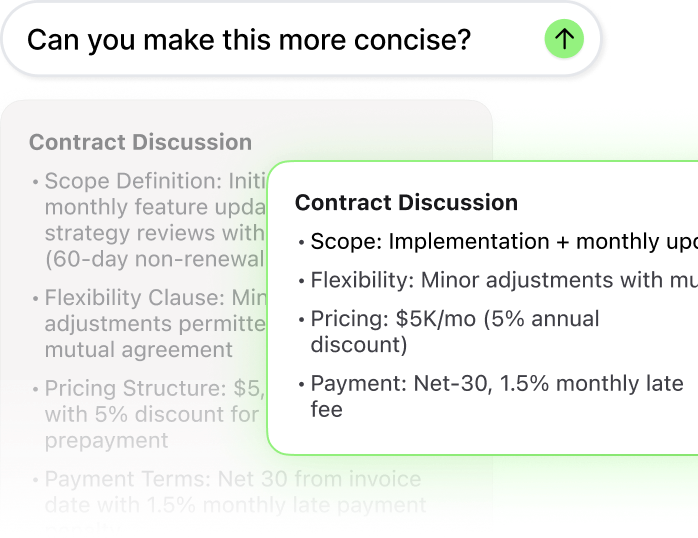
Edit and refine notes after
Ask questions across past meetingsSometimes
Notes private by default
Connects to your existing toolsSometimes
Records video and audioSometimes

Why Granola feels different

Granola fits into the way meetings already happen and gives you more to do with them afterwards.

Works around meetings, not in them
Granola captures your meeting audio locally on your device. No bot joins the call. No notification appears. Nothing changes about the room, except that you'll have better notes when it's over.
Your notes stay yours
Notes are private by default. There's no third-party server logging your conversations. You control what gets edited, what gets shared, and what flows into your team's tools.
Actually acts on what was said
Ask Granola what your client said about their budget last month. Draft the follow-up email from this morning's call. Push action items to Linear or your CRM automatically. An AI meeting assistant should make the meeting mean something.

Frequently asked questions