More than just a standard notetaker

Most AI notetakers record what was said and call it done. Granola is an AI notepad: it transcribes your meetings, keeps your notes yours, and turns conversations into something you can actually use.

Looking for an AI notetaker for your meetings?

Granola's AI notepad does everything that an AI notetaker does, and a lot more. Most AI notetakers join your call as a bot, transcribe everything, and hand you a wall of text when it's over. Granola works differently. There's no bot in your meeting. Instead, Granola listens in the background while you write notes.

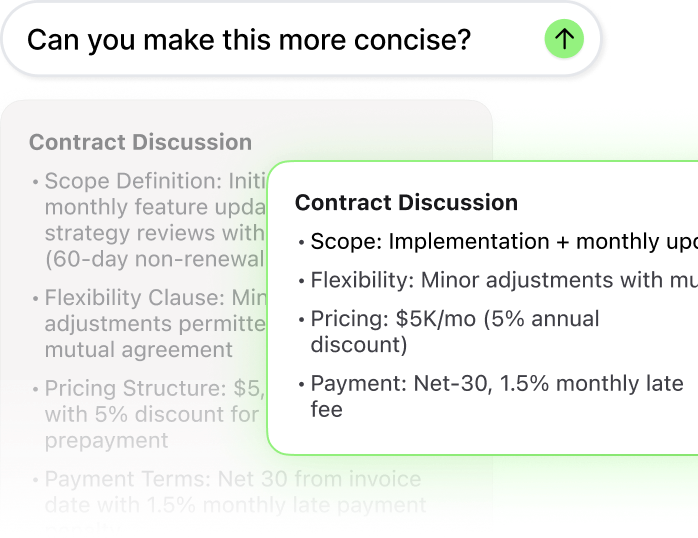
When the meeting ends, Granola combines what you jot down with what it captured, and produces notes that are actually useful. You can edit them, ask follow-up questions across all your meetings, and send key points straight into the tools you use every day.

Notes that go where your work actually happens

Most AI meeting assistants keep your notes in a doc. Granola automatically sends them into the tools you're already using.

CRM and sales tools

After a client call, Granola can update your pipeline, enrich contact records with what was actually discussed, draft follow-up emails, and generate handoff summaries. Granola connects natively to HubSpot, Attio, and Affinity, so deal notes land under the right contact the moment the call ends. For Salesforce and other CRMs, Zapier handles the connection.

Project and task management

Meeting decisions become tickets. Granola can push action items directly into Linear, Jira, or Asana based on what was said - no manual entry, no end-of-day cleanup. Set up a Recipe once and it runs after every standup, planning session, or sprint retro.

Team communication

Keep your team in the loop without writing an update from scratch. Granola can send meeting summaries to Slack channels, create pages in Notion, or trigger any downstream workflow through Zapier or Granola's MCP integration.

Custom workflows

Granola's MCP integration connects to Claude, ChatGPT, Cursor, and other AI tools, letting your meeting context travel into any workflow you've built. One conversation can become a proposal draft, a customer brief, or a product spec, without leaving your tools.


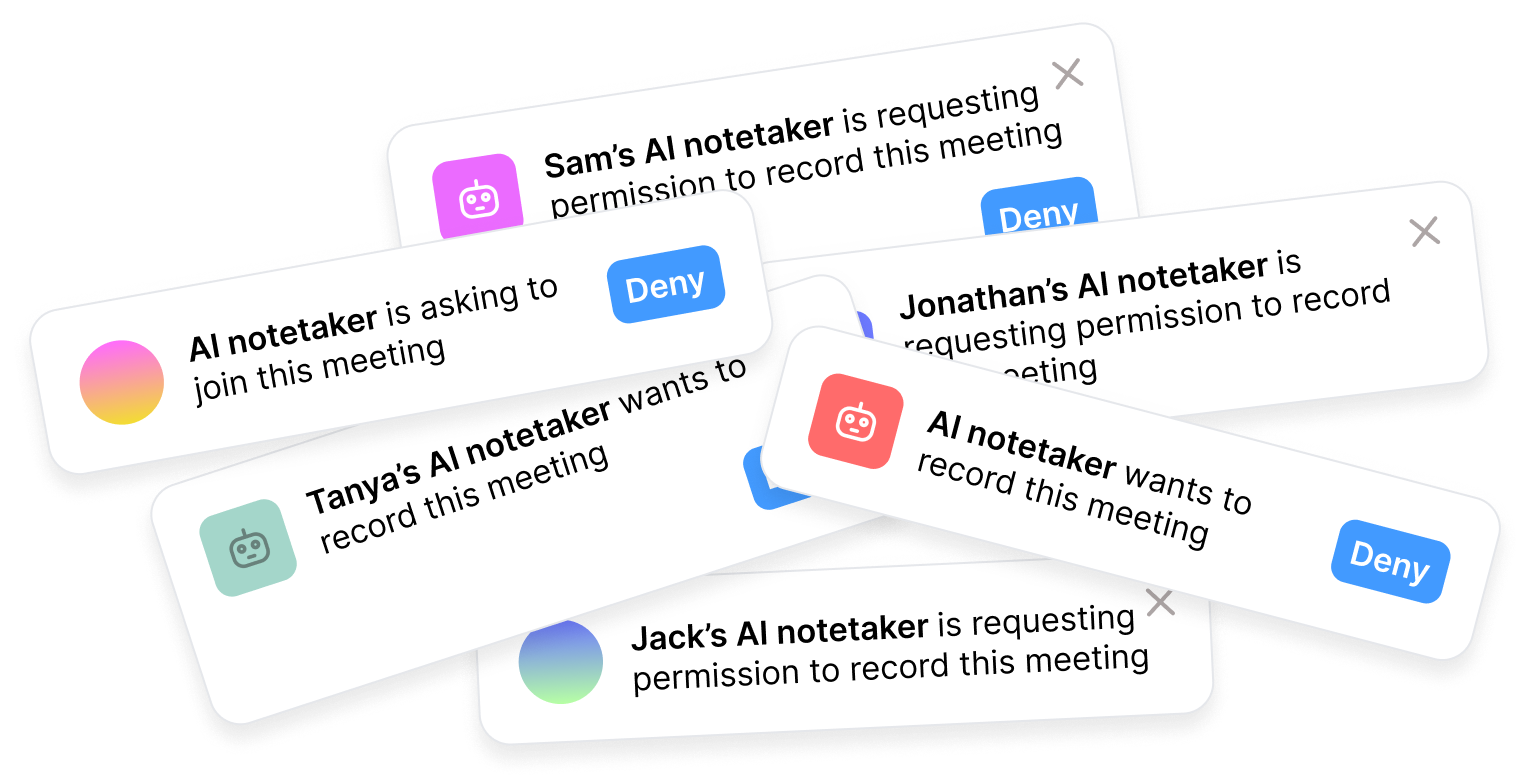
AI notetaker notifications

What's an AI notetaker?

An AI notetaker records your meetings and produces a transcript or summary automatically. It solves a real problem: you don't have to choose between listening and writing.

But the output is built for no one in particular. The same generic summary goes to every meeting attendee. The transcript sits in a separate app you only open when you need to find a quote. Action items are rarely specific enough to actually do. And nothing connects back to what you were thinking during the meeting: your notes, your reactions, your decisions.

Some tools also join as a visible bot, which can feel intrusive.

There's a better version of this idea.

With Granola's AI Notepad, meeting transcriptions are just the start

An AI notepad works alongside you, not instead of you. It captures the conversation, then gives you ways to...

Edit or tidy your notes straight away
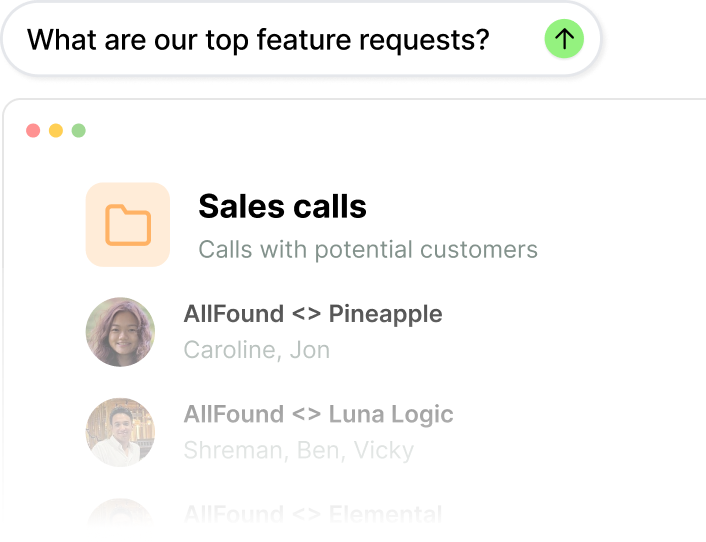
Search and ask questions across all your meetings
Send key points into the tools you already use

AI notetaker vs AI notepad

AI notetakerAI notepad
Captures meeting notes
No bot joins your call
Edit and refine notes
Works with your other toolsSometimes
You control what's kept
Notes private by default
Records video and audioSometimes

Why Granola feels different from industry-standard AI notetakers

No bot, no awkwardness
Granola's meeting assistant is botless. That means no meeting notifications, and nothing that feels out of place in a client conversation.
Your notes stay yours
Notes are private by default. You decide what to edit, what to share, and what to send to your team. Granola gives you context, not surveillance.
Context that moves
Ask questions across your last 20 meetings. Send action items to your CRM. Draft follow-up emails from what was actually said. Your conversations don't sit in a doc; they become what happens next.

Frequently asked questions