





AI meeting notes pricing explained: why Granola costs less than alternatives
February 26
TL;DR: Granola's Business plan costs $14/user/month compared to $20/user/month for a comparable bot-based tool on annual billing. For a 22-person team, that's $1,584 back in your annual budget. Most meeting tools charge a premium to cover the infrastructure cost of streaming bots through the cloud. Granola's device-based audio capture eliminates that overhead. Our Free plan lets you start today with no credit card required. The Business plan adds unlimited history, Notion, Slack, HubSpot, and Zapier integrations, Recipes, plus MCP support for connecting your meeting context to tools like Claude and ChatGPT.
If you're comparing meeting tools, you've probably noticed the pricing makes no sense. Some tools charge per minute, others per seat, and most bundle video storage you'll never re-watch into plans you can't avoid. The real cost driver isn't AI quality or brand prestige. It's architecture. What a tool does under the hood determines what you'll pay every month.
This article breaks down exactly how that works, what Granola costs, and how it compares to bot-based alternatives and human transcription services.
The "bot tax": why traditional transcription tools cost more
When a bot-based meeting tool joins your call, it behaves like a remote participant. It connects to the call server, streams video and audio in real time, stores that footage to the cloud, and runs processing jobs against it afterward. Cloud providers charge you for every step in that chain.
Real-time video streaming through cloud infrastructure costs a fortune at scale. AWS Kinesis Video Streams charges per gigabyte ingested and per gigabyte consumed on playback. Google's Live Stream API charges $1.521 per minute for a standard channel configuration. Multiply that across thousands of concurrent meetings and infrastructure becomes a core business cost, not a rounding error.
Vendors pass those costs directly to you. Your monthly bill covers:
- Video storage: Recordings most users never re-watch
- Streaming infrastructure: Real-time bot compute for every minute of every call
- Storage retrieval: Serving playback on demand
This creates a pricing floor tied to infrastructure cost rather than to AI quality: streaming, storing and serving video for every meeting is a recurring expense that has to be recovered through monthly pricing.
How Granola's architecture drives affordability
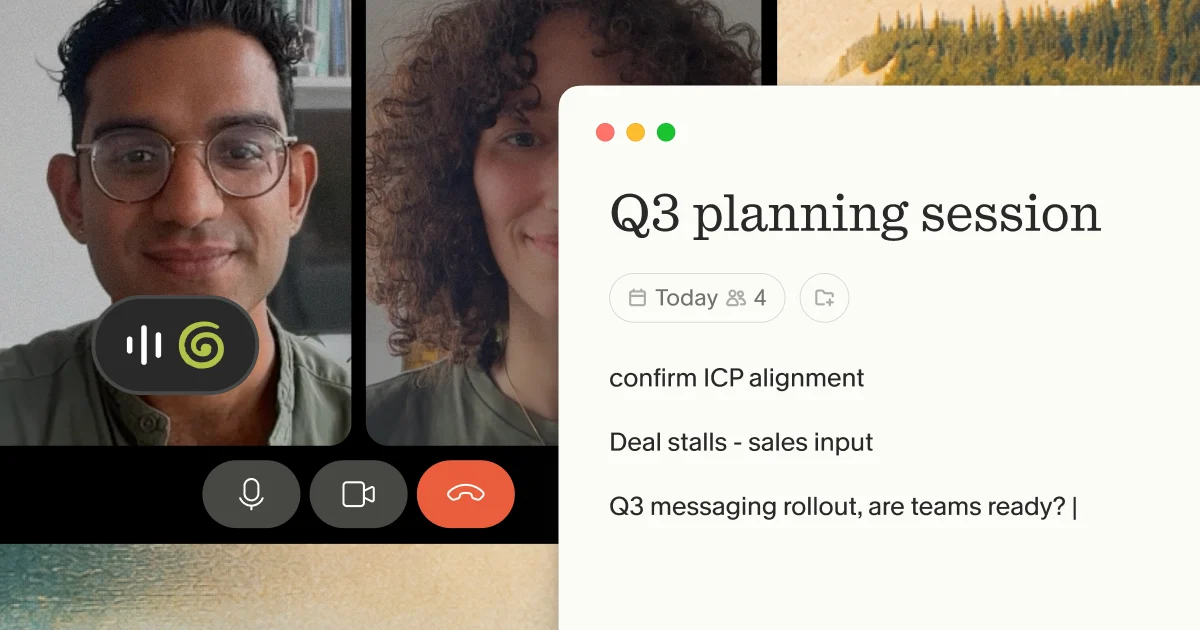
Granola takes a structurally different approach. Instead of joining your call as a bot, it captures device audio directly, the same way a voice memo captures what you hear through your laptop's speakers and microphone. We don't stream anything to a remote server mid-call. We don't store video. Granola transcribes audio in real time on your device, then discards the audio file. Only the transcript and your notes persist.
Our security documentation explains the model clearly: "Granola doesn't store the audio from meetings. It transcribes in real time on macOS/Windows, or after your meeting using temporarily cached audio on iOS. It only stores the transcript and any notes you provide from a call."
This architecture eliminates three primary cost drivers:
- No real-time streaming cost
- No video storage cost
- No cloud compute for a virtual participant
We pass those savings directly to your pricing. You're paying for AI enhancement of your notes and for transcript processing.
You also get a second benefit that has nothing to do with cost: Granola makes it easy to let participants know you're using it, with features like a visible watermark or an automatic chat message. We think telling people you're using Granola to transcribe the call is simply good practice, and the product is built to make that a one-step thing.
What you get beyond transcription
Granola's pricing conversation tends to focus on the per-seat number. But the stronger case for the price is what happens with the transcript once the meeting ends.
- Recipes are AI summary templates that reshape raw meeting notes into whatever output format your workflow actually needs. Instead of editing a generic transcript, you apply a Recipe (a sales call debrief, a product spec, an investor update) and Granola restructures the content accordingly. You can use built-in templates or build your own. The practical effect is that the notes you share downstream look like something a senior person spent time on, because the structure was designed for the audience rather than inherited from the meeting format.
- MCP support lets you pull Granola meeting context directly into Claude and other MCP-compatible AI tools. If you're drafting a follow-up proposal in Claude and want to reference what was said across three discovery calls, you can query that context without leaving your workflow. This is the kind of integration that matters as AI assistants become a real part of knowledge work, not a novelty layer on top of it.
- Native integrations cover the tools where meeting outputs actually land: Notion, Slack, HubSpot, Affinity, and Zapier. Notes push to CRM records, Slack channels, or project docs without a manual copy-paste step. For teams running high-volume pipelines like sales, recruiting, and investor relations, that automation compounds across dozens of meetings a week.
- People & Companies surfaces relevant history automatically. When you open a meeting with someone you've spoken to before, Granola can pull context from prior conversations. You go in with background rather than starting cold, which changes how useful the first five minutes of a call are.
- Cross-meeting and folder-level queries let you ask questions across a collection of meetings rather than reopening individual notes. If you want to know what three different customers said about a specific pain point, or how a conversation thread evolved across four calls, you query the folder. This is where Granola starts to behave less like a note-taking app and more like a memory layer for your working relationships.
All of this compounds with the attention benefit the architecture was designed to create. When you know the notes will be handled, you stay in the conversation instead of managing the record of it.
The transcript is the foundation. Recipes, MCP, integrations, People & Companies, and cross-meeting queries are the structure built on top of it. Together, they're the reason the per-user cost is a different kind of calculation than a per-minute transcription service.
Granola pricing tiers breakdown
We keep pricing straightforward. You can verify the live details on the Granola pricing page, but here's how the plans map to different usage patterns.
| Plan | Monthly cost | Key features | Best for |
|---|---|---|---|
| Free | $0 | AI-enhanced notes, AI chat, shared folders, note templates, multi-language support, AI training opt-out | Trying Granola before committing |
| Business | $14/user/month | Unlimited history, advanced AI models, Notion/Slack/HubSpot/Affinity/Zapier integrations, MCP support, centralized billing, admin controls | Founders and teams who capture meetings daily |
| Enterprise | Starting at $35/user/month | Org-wide AI training opt-out, enterprise security controls, dedicated support | Organizations with formal compliance requirements |
Free plan: for getting started
Our Free plan gives you full access to Granola's core functionality: AI-enhanced notes, meeting chat, shared folders, and the ability to opt out of model training. We designed it to let you run real meetings and evaluate the output before committing to a paid plan. No credit card required, and you can run a real meeting and see the notes on day one.
"Easy to set up and runs quietly in the background. Accurate discussion summaries with the backup transcript available." - Joe M. on G2
The Granola pricing update documentation covers the current Free plan structure in full detail alongside the Business tier comparison.
Business plan: for power users and teams
At $14/user/month, the Business plan adds unlimited meeting history, the full integrations suite, and MCP support, which lets you connect Granola to tools like Claude, ChatGPT, and Cursor so your meeting context is available wherever you're working. For teams, it includes centralized billing through Stripe, shared folders across functions, and admin controls for managing access.
We offer AI training opt-out per user on Business plans. Enterprise enforces this org-wide by default, which matters for organizations with formal data governance requirements. Full security details are on our security page.
"The AI Summary templates. the fact that Granola does not need to join your meeting. I really like their offering and upgraded to the Business plan." - Verified user on G2
Cost comparison: Granola vs. bot-based tools and human transcription
Here's how the numbers compare across three common options:
| Option | Monthly cost | Privacy model | Meeting minutes limit | Audio stored? |
|---|---|---|---|---|
| Granola Business | $14/user/month | No bot, device audio, no audio stored | Unlimited | No |
| Leading bot-based tool (Business tier) | $20/user/month (annual billing) | Bot joins call | 6,000 minutes/month (100 hours) | Yes |
| Human transcription (Rev.com) | $1.99/audio minute | Depends on vendor terms | N/A | Typically yes |
For a 22-person team, you save real money by choosing Granola:
- Granola Business: $14 x 22 x 12 = $3,696/year
- Bot-based Business tier: $20 x 22 x 12 = $5,280/year
- Annual saving: $1,584
That's $1,584 back into your burn rate with no reduction in AI quality or meeting coverage,
Some bot-based tools offer cheaper individual plans (as low as $8-10/month billed annually), but these typically cap usage at 1,200 minutes per month, roughly 20 hours of meetings. Anyone running more than a few calls per week hits that ceiling fast, and most teams realistically end up on the business tier. Granola Business has no minute caps. Your pricing stays the same whether you run five meetings this week or twenty-five.
Human transcription operates in a different category entirely. Rev.com charges $1.99 per audio minute for human transcription, which puts a single one-hour board meeting at roughly $119 with 12-hour average turnaround. For anyone running five to eight meetings per day, that model is unworkable at any serious volume.
Getting started
Try Granola for free. Download the Mac or Windows app, connect your calendar, and run your next meeting to see it in action. We don't require a credit card, and you get full access to AI-enhanced notes and meeting chat from day one. When you're ready to expand to unlimited history and the full integrations suite, upgrade to Business at $14/user/month with centralized billing for teams.
Try Granola for free at granola.ai
FAQ
Does Granola have a free plan? Yes. Our free plan includes AI-enhanced notes, AI chat, shared folders, custom templates, and AI training opt-out. No credit card is required to start. See the current plan details on the Granola pricing page.
How much does AI transcription cost per hour? It depends on the model. Human transcription via Rev.com costs $1.99 per audio minute, roughly $119 for a one-hour meeting. A typical bot-based business plan at $20/user/month covers around 6,000 minutes monthly. Granola Business at $14/user/month has no minute caps and no per-hour charge.
Why does Granola cost less than enterprise sales platforms? Enterprise sales platforms bundle CRM intelligence, deal coaching, and revenue analytics into pricing designed for full sales teams. If you need accurate meeting notes rather than a full revenue platform, you're paying for overhead you won't use. We priced Granola for a focused scope: transcription, AI-enhanced notes, and meeting intelligence without the enterprise sales stack.
Is Granola's lower price a security trade-off? No. We earned SOC 2 Type 2 certification in July 2025, maintain GDPR compliance, and don't store audio files. Our lower price reflects reduced infrastructure cost from device-based audio capture, not reduced security investment.
What does "bot-free" mean for pricing? Bot-based tools incur real-time streaming, video storage, and cloud compute costs, then pass those expenses on to users. Our device audio approach eliminates those costs, which is what makes the $14/user/month price point viable without cutting corners on AI quality. We explain the full model on our pricing and ROI blog.
Key terms
AI notepad: Granola's product category. An AI notepad is a tool where you jot rough notes during a meeting and AI enhances them with context from the transcript. Distinct from an automated "note taker" that removes your input entirely.
Bot-free capture: Audio transcription that happens via your device rather than through a virtual participant joining the call. No bot appears in the
participant list, and Granola offers built-in ways, like a visible watermark or an automatic chat message, to let participants know when transcription is
happening.
Device audio: The audio captured by your laptop's speaker output and microphone, the same source your headphones use. Granola uses device audio to transcribe meetings without joining the call.
Transcription vs. summary: Transcription converts speech to text verbatim. A summary distills that text into structured notes, action items, and decisions. Granola produces both. See how AI-enhanced notes work in the help center.
MCP (Model Context Protocol): A protocol that lets AI tools access external data sources. Granola supports MCP, which means tools like Claude, ChatGPT, and Cursor can pull your meeting notes directly, without copy-pasting.