





Granola MCP: Connect your meeting notes to Claude, ChatGPT, and Cursor

Jack
February 4
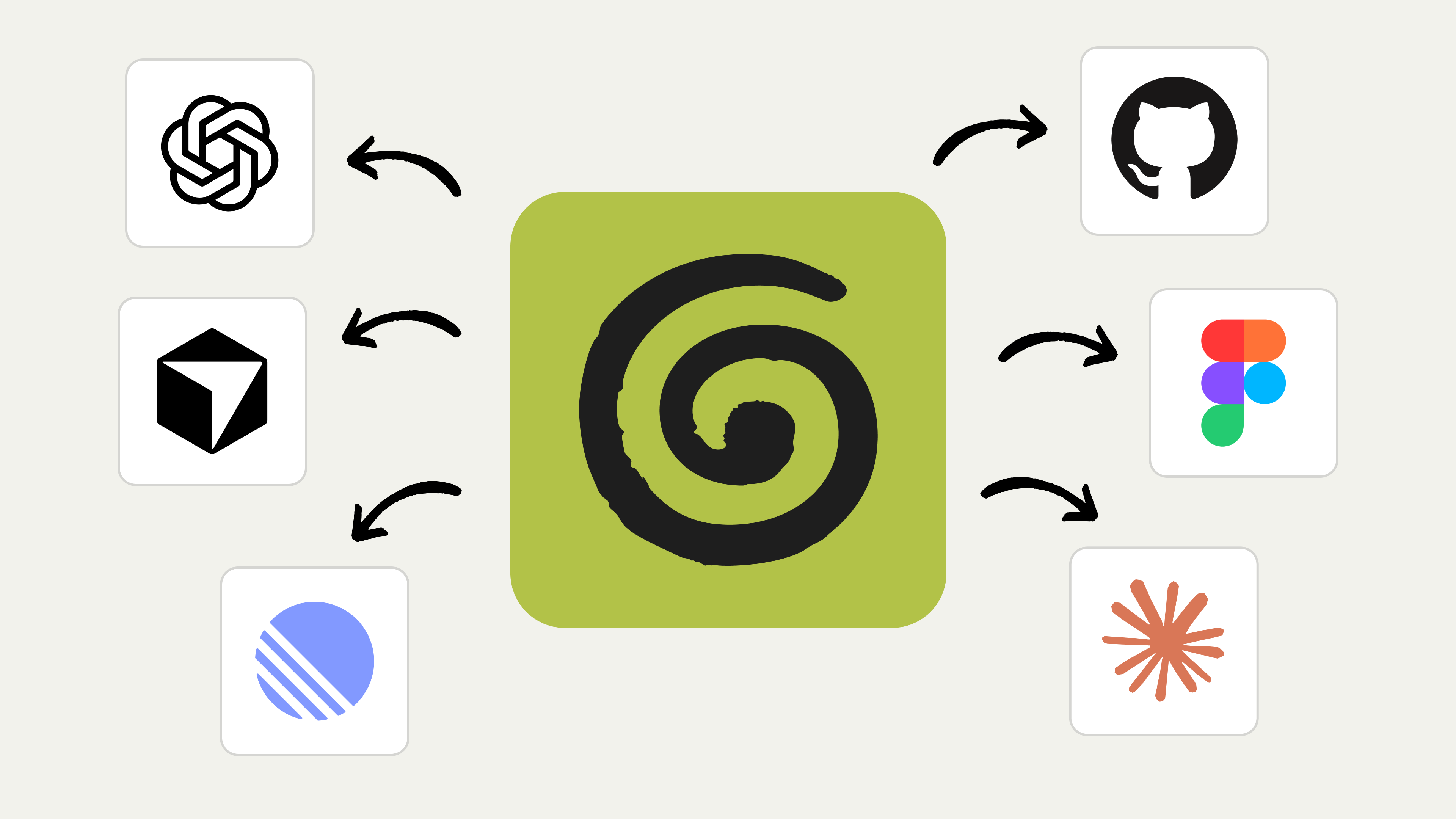
TL;DR Granola MCP is a first-party connector that brings your meeting notes into the AI tools you already work in, like Claude, ChatGPT, and Cursor. MCP (Model Context Protocol) is the open standard that lets those tools plug into your notes. Connecting takes a few clicks through your browser, and MCP is available on every plan. Once it is on, you can ask your AI tool to pull from what was actually said in a meeting without switching back to Granola.
Today we're launching Granola MCP. In a few clicks, your favorite AI apps can be aware of your meetings.
Taking your meeting context to new places
Granola already helps you do a lot with your meeting notes: search them, share them, ask questions, pull out action items. But sometimes you're working somewhere else. You're in Claude drafting a document. You're in ChatGPT analyzing data. You're in Cursor writing code.
And you find yourself thinking: "I talked about this in a meeting last week."
Until now, that meant switching back to Granola, finding the note, copying the relevant bit, and pasting it in. It works, but it breaks your flow.
Now, you can connect the Granola MCP to your AI app of choice, and it'll pull from your meeting notes and conversations directly.
When connecting your meeting notes to AI is useful
Working in Claude Code or Cursor: Your meeting context comes with you. Ask it to create tickets for the bugs you discussed, or scaffold a feature based on what was agreed.
Doing sprint planning: Ask Claude to update your Linear board from this morning's standup.
Writing up a sales call: Get ChatGPT to draft and share the notes to your CRM from what was actually discussed.
Building a proposal: Use your discovery conversations as context without digging through notes.
For a deeper walk-through of querying your meetings from each of these tools, see our guide to using Granola with Claude, ChatGPT, and Cursor.
What an MCP connector is, and how Granola's works
MCP (Model Context Protocol) is a standard that lets AI tools connect to external data sources. Think of it a bit like USB-C for AI apps: it's a common way for things to plug together. An MCP connector is the piece that plugs one tool into another. Granola MCP is the connector that plugs your meeting notes into any AI tool that speaks MCP.
With Granola MCP, you connect your Granola account to Claude, ChatGPT, or any other tool that supports MCP. Once connected, that tool can access your notes when you ask it to. Connecting happens through a quick browser sign-in, so you are not copying keys or editing config files unless you want to. On the Basic plan the connector reaches your last 30 days of meeting notes. Paid plans open up your full history and transcripts.
Getting started with Granola MCP
With Claude:
- Make sure you're signed up to a paid plan
- Go to Settings
- Go to Connectors, search for Granola
- Connect, authenticate and make sure you're toggled on when chatting.
With ChatGPT:
- Make sure you're signed up to a paid plan
- Go to Settings
- Go to Apps, search for Granola
- Connect, authenticate and make sure you're toggled on when chatting.
With Cursor, Claude Code, or another MCP client:
You can connect manually using this URL: `https://mcp.granola.ai/mcp`
For enterprises
If you're on a Granola Enterprise plan, MCP is available in early access beta. It's off by default. Admins can turn it on for their workspace in Settings > Security.
We're also working on additional enterprise capabilities: advanced access controls, usage monitoring and analytics, higher rate limits, and flexible pricing options. More on that soon.
What's next
This is a first step. We think there's a lot more we can do to make your meeting context useful across the tools you use every day. We'll keep building.
For now, we hope this makes your workflow a bit smoother.
Frequently asked questions
Does Granola have an MCP?
Yes. Granola MCP is a first-party connector that lets compatible AI tools, including Claude, ChatGPT, and Cursor, work with your meeting notes. It is available on every plan.
How do you connect Granola MCP?
In Claude, go to Settings, then Connectors, search for Granola, and connect. In ChatGPT, go to Settings, then Apps, search for Granola, and connect. For Cursor, Claude Code, or any other MCP client, connect manually using the server URL https://mcp.granola.ai/mcp. In each case you authenticate through your browser and toggle the connector on when chatting.
Can Granola connect to Claude?
Yes. Claude is one of the AI tools Granola MCP connects to. Once connected, you can ask Claude to pull from your meeting notes, for example to draft follow-ups or create tickets from what was discussed.
Which plans include Granola MCP?
MCP is available on all plans, including Basic. On Basic it reaches your last 30 days of meeting notes and does not include transcript access. Paid plans include full history and transcripts. On Enterprise, MCP is off by default and an admin enables it in Settings, then Security.
Jack, Marketing