

Granola + Notion
Overview
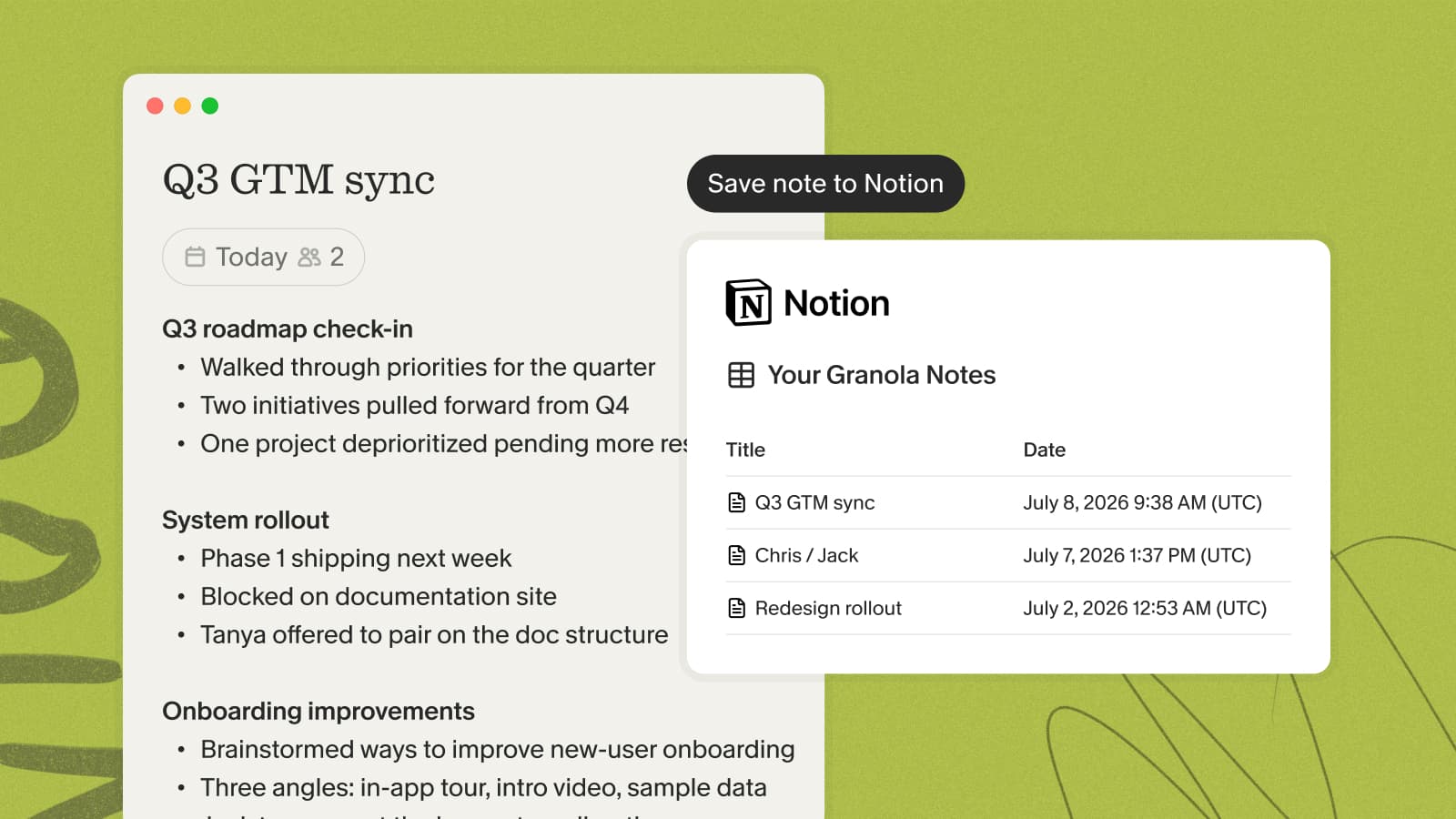
Send your enhanced meeting notes to Notion in a couple of clicks. Granola creates a page in a dedicated Notion database, so your write-ups live alongside the rest of your team's docs.
Notes are shared one at a time, and a note needs to be enhanced before you can send it.
Setting up the integration
- In Granola, open Settings → Connectors and find Notion.
- Click Connect Notion and authorize Granola in your browser.
- Choose Use a template provided by the developer to set up the database.
Sharing a note
- Open a note and make sure it has enhanced notes — click Enhance notes if it doesn't.
- Open the ⋯ menu at the top of the note.
- Select Notion to add it to your database.
Good to know
- Notes are sent individually — there's no bulk or automatic sync
- Everything routes to the Granola-created database
- You can sort, rearrange, and add your own columns, but the columns Granola creates can't be renamed or removed
For the full walkthrough, see the Notion help doc.