

Granola + HubSpot
Overview
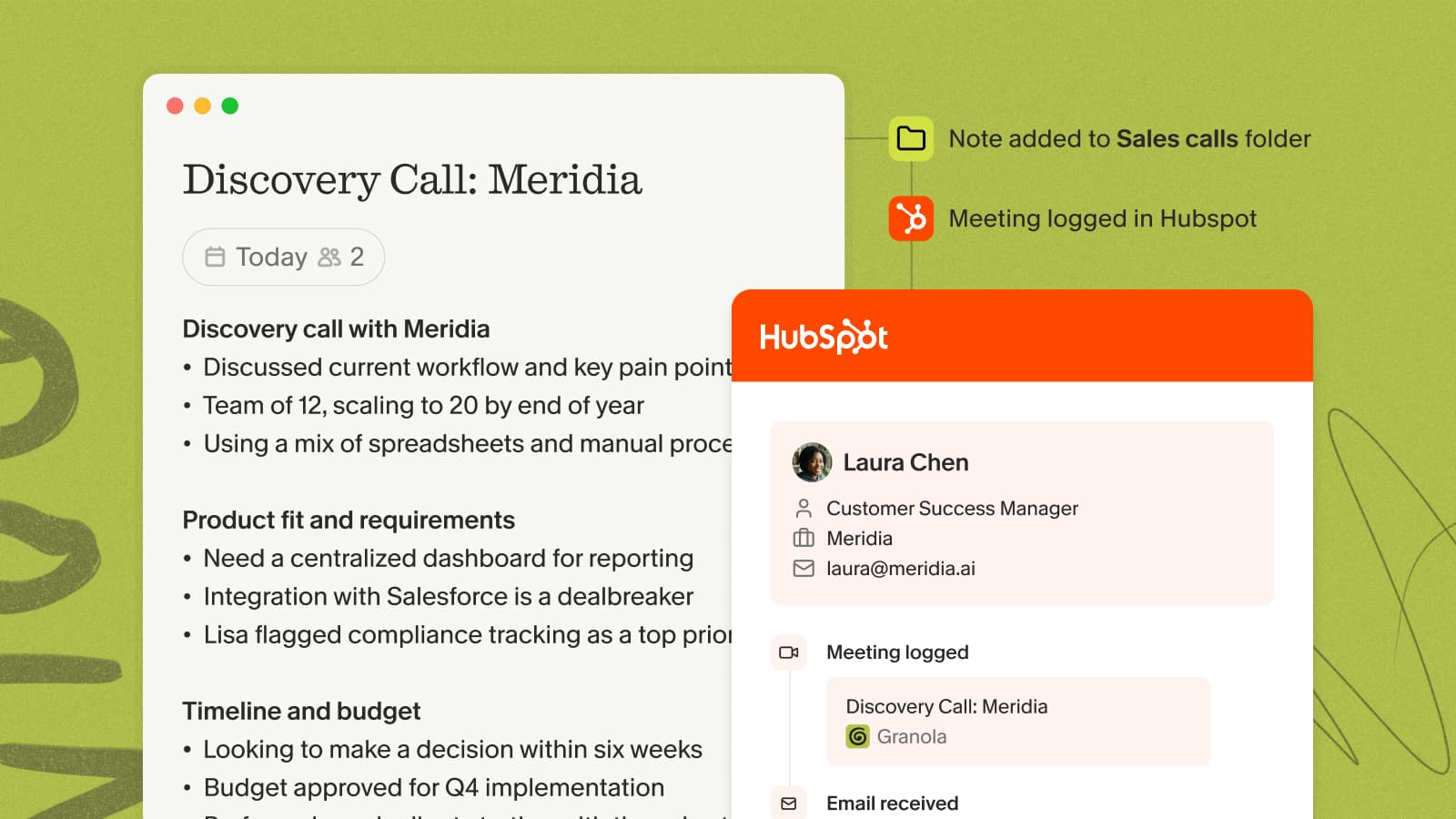
Keep HubSpot up to date with what actually happened in your meetings. Granola syncs your notes onto the right contact, company, or deal — automatically from a folder, or one note at a time.
The HubSpot integration requires a Google Workspace or Microsoft 365 account; personal Gmail and Outlook.com addresses aren't supported.
Setting up the integration
- In Granola, open Settings → Connectors and find HubSpot.
- Click to connect and complete the authorization in your browser.
- Back in Settings → HubSpot, choose whether notes sync as a Meeting or a Note (Meeting is the default).
Sharing a note
Click the HubSpot button at the top of a note and pick the contact, company, or deal to attach it to.
Auto-share from a folder
Open a folder, click Integrations, enable HubSpot, and choose which record types to target. New notes added to that folder sync automatically — this applies to notes added after you turn it on.
For the full walkthrough, see the HubSpot help doc.