

Granola + ChatGPT
Overview
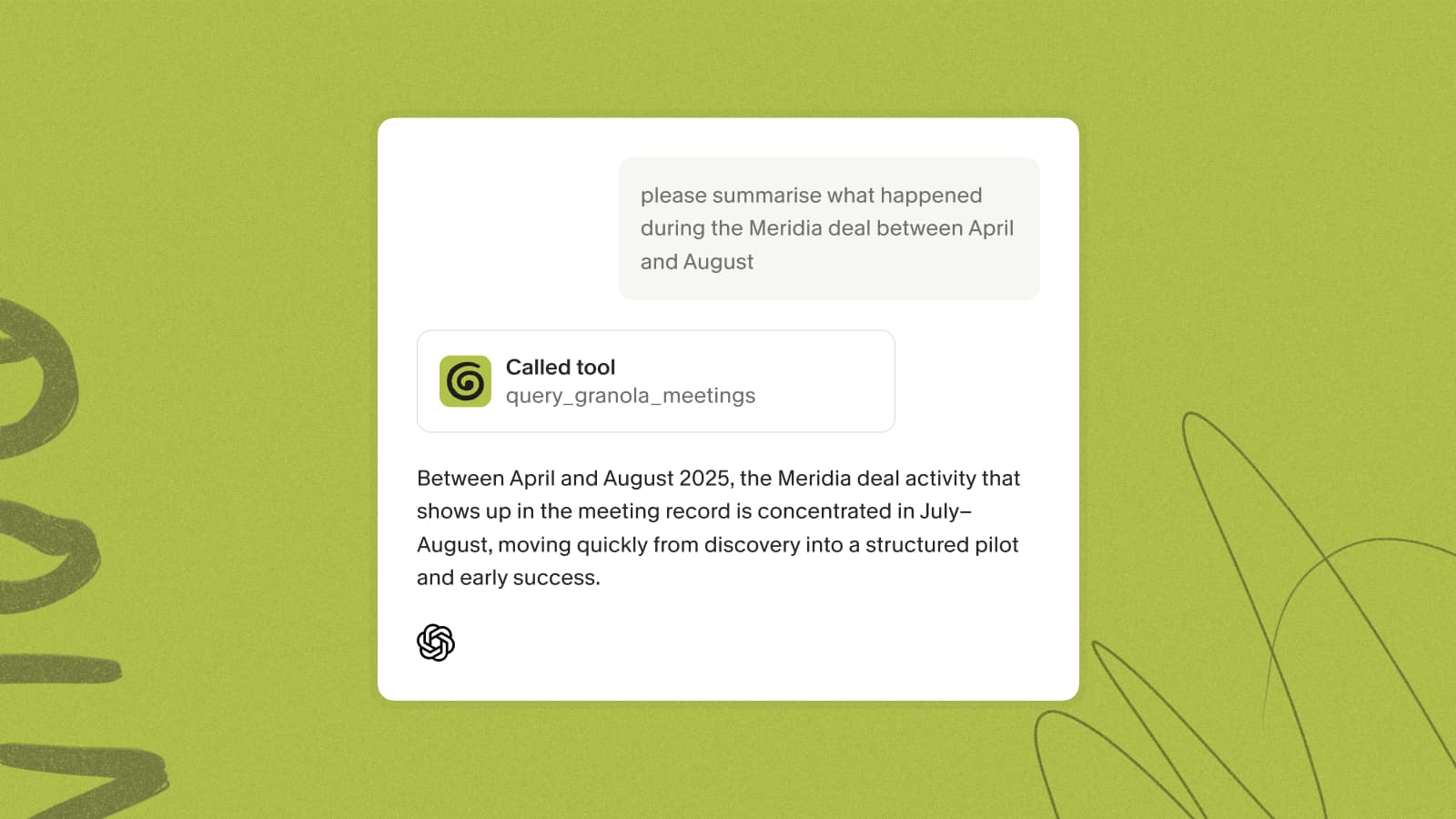
Connect Granola to ChatGPT with the MCP connector and ChatGPT can work directly with your meeting notes — search past conversations, pull out action items and decisions, browse your folders, and answer questions from your meeting history, without copy-pasting anything.
What you can ask
- "What did we decide about pricing in last week's meeting?"
- "Pull the action items from my calls this week"
- "Summarize everything Acme has told us across our meetings"
Behind the scenes, ChatGPT can list your meetings and read full notes. On Business and Enterprise plans it can also search, browse folders, and pull raw transcripts.
Connecting ChatGPT
- In ChatGPT, open Settings and search for Granola.
- Connect and authenticate with your Granola account.
- Mention @Granola or just reference your meetings naturally.
Each person connects their own account with a secure OAuth sign-in — no API keys, and the email you use for ChatGPT can differ from your Granola login.
Plans and access
The MCP connector works with ChatGPT and other compatible clients on every plan. On Basic (Free), ChatGPT can reach your own notes from the last 30 days; folder browsing and transcripts aren't included, and some search is limited. Business adds your personal and public workspace notes, full history, folder browsing, and transcripts. On Enterprise, an admin decides whether members can reach personal notes, public notes, both, or neither.
For the full walkthrough, see the MCP connector help doc.