

Granola + Attio
Overview
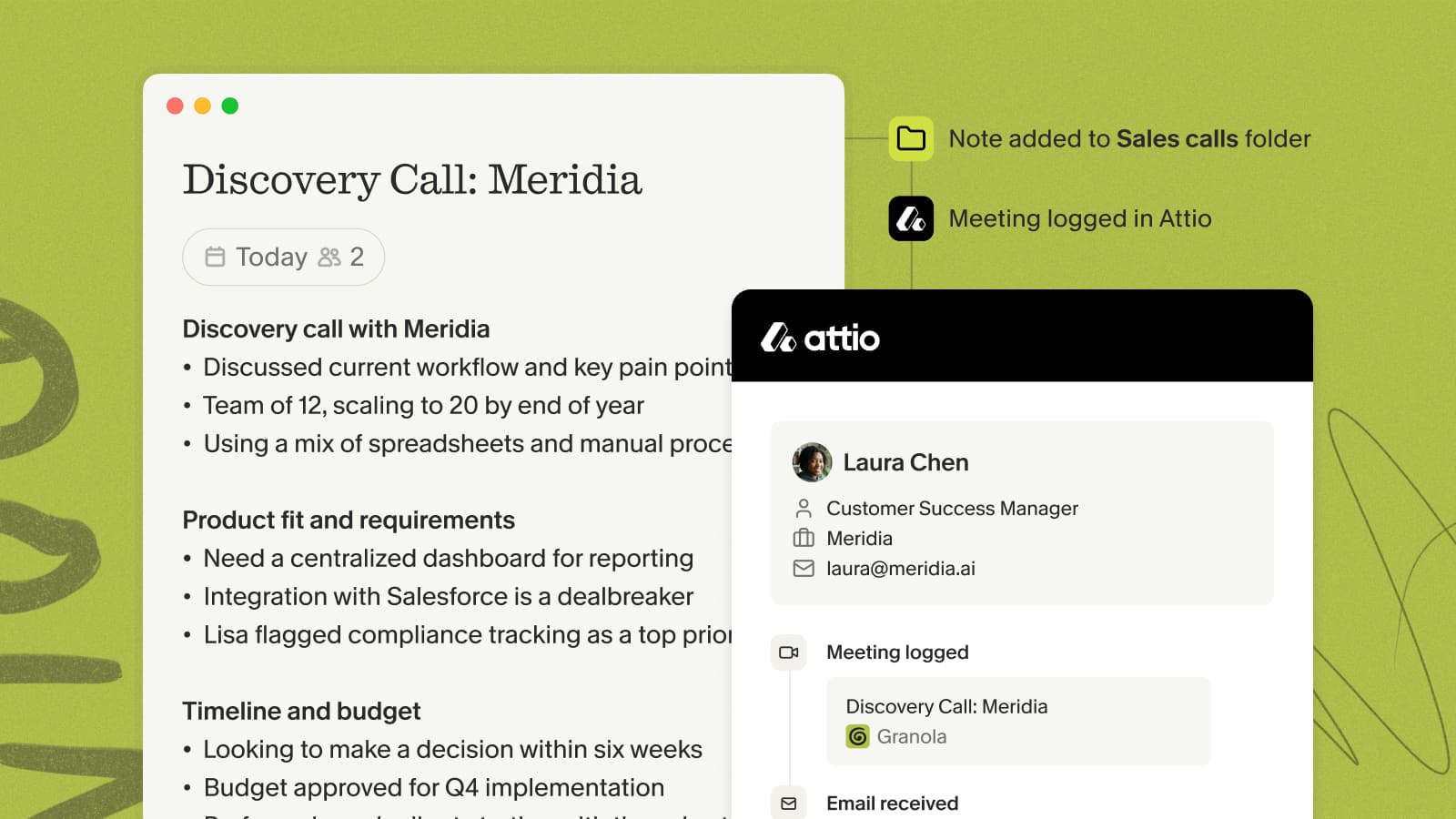
Push meeting summaries from Granola straight into Attio, so your people, company, and deal records stay current without anyone retyping notes after a call.
Setting up the integration
- In Granola, open Settings → Connectors and find Attio.
- Click to connect, then authorize Granola in the browser tab that opens.
- Close the tab once it confirms — Attio now appears as a sharing option on your notes.
Sharing a note
Make sure the note has enhanced notes first, then click the Attio button at the top of any note. Granola suggests the people and companies from the meeting, so you can drop the summary onto the right record in a couple of clicks.
Auto-share from a folder
Open a folder, click Integrations, and enable Attio. Choose which records to update — Company, People, or associated Deals — and new notes added to that folder sync automatically. This applies only to notes added after you turn it on; earlier notes can still be shared by hand.
For the full walkthrough, see the Attio help doc.