

Granola + Affinity
Overview
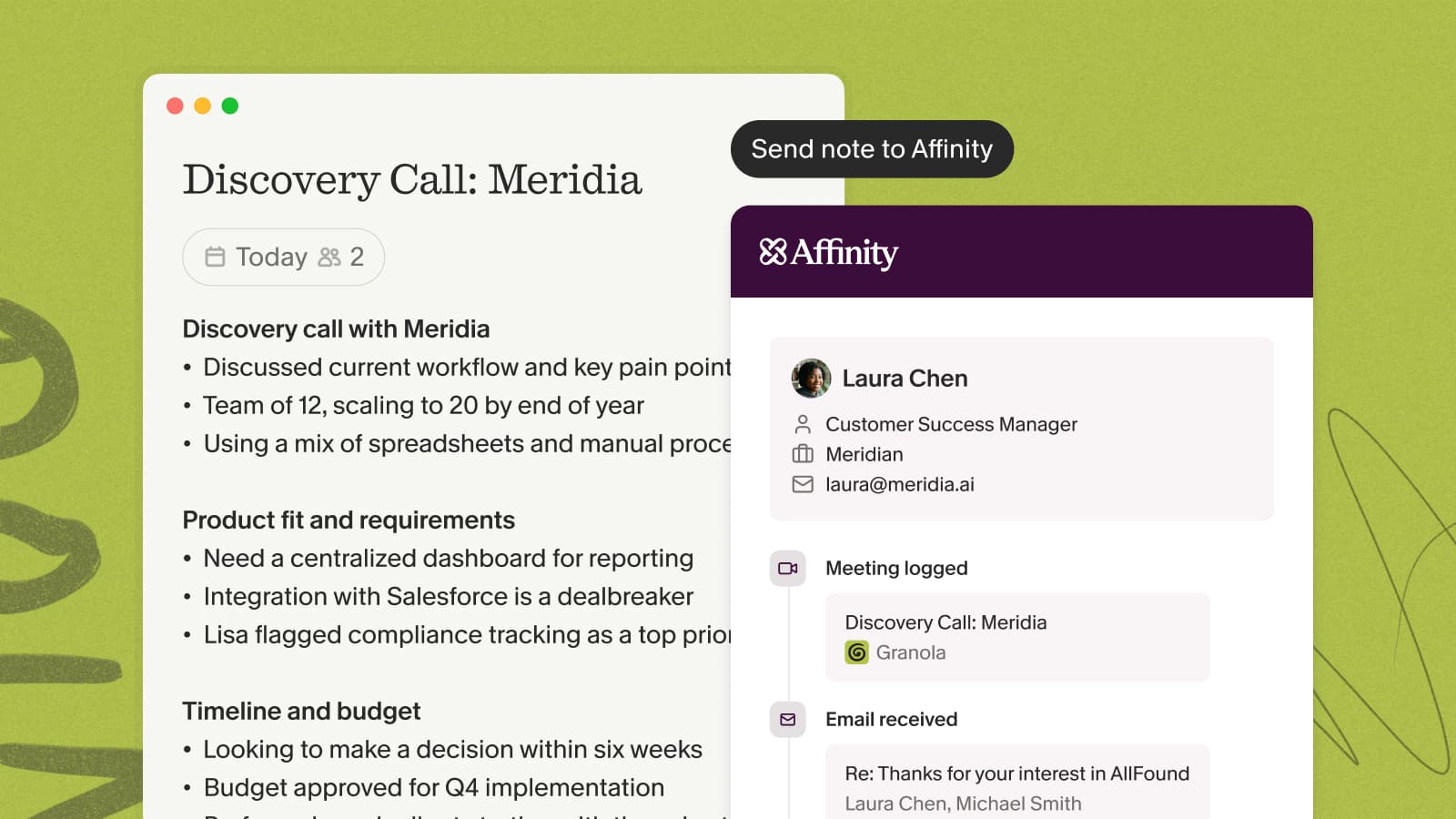
Send meeting notes from Granola to Affinity in a couple of clicks. Granola only ever adds new notes — it never edits or deletes anything already in your CRM — so your deal and relationship history stays intact.
Each person on your workspace connects with their own Affinity API key, and you'll need to be signed in to both tools with the same email address.
Setting up the integration
- In Affinity, go to Settings → Manage Apps (under Developer Tools) and click + New App.
- Name it something like "Granola" and copy the API key right away — it won't be shown again.
- In Granola, open Settings → Connectors and paste the key into the Affinity field. It saves automatically.
Sharing a note
Click the Affinity button at the top of a note. Granola suggests matching people and companies based on the meeting's attendees — review or adjust the records, then save.
For the full walkthrough, see the Affinity help doc.