More than just an AI meeting assistant

Most AI meeting assistants sit in your call as a visible participant, logging every word into someone else's server. Granola works differently, so you can stay in the conversation instead of performing for a recording.

Looking for an AI meeting assistant?

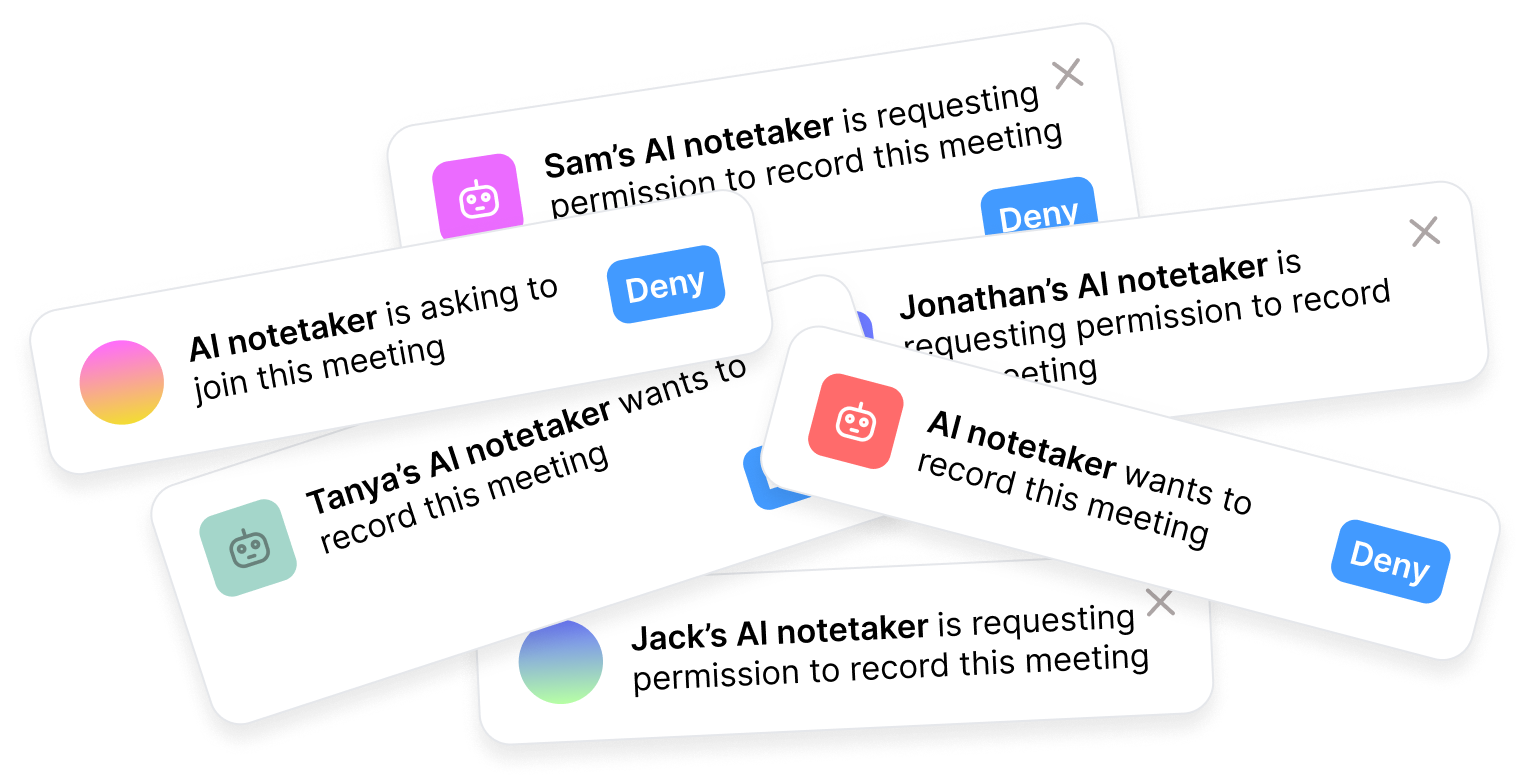
Most AI meeting assistants are bots. They join your call as a named participant, transcribe everything in real time, and send the notes to everyone on the call when it's over.

Granola's meeting assistant takes a different approach than bot-centered tools. Our AI notepad runs on your device, captures your meeting audio locally, and combines what you heard with the notes you actually took. When the call ends, you instantly get clean, editable notes, not a wall of transcript. No bot. The notes are yours and you decide what gets shared. Your meeting audio is deleted, and all that's left is a transcript.
AI meeting assistant notifications

What's an AI meeting assistant?

An AI meeting assistant helps you capture, process, and act on what happens in your meetings. It solves a real problem: you don't have to choose between listening and writing.

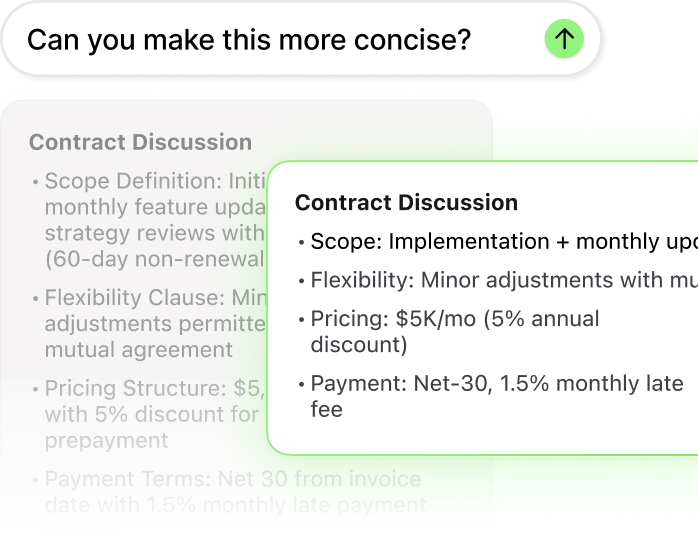
But most tools stop at capture. The same generic summary goes to every attendee. The transcript sits in a separate app you only open when you need to find a specific quote. Action items are rarely specific enough to actually do. And nothing connects back to what you were thinking during the meeting - your notes, your reactions, your read on the room.

The best version of an AI meeting assistant doesn't attend your meetings. It makes them more useful before, during, and after.

With Granola's AI notepad, the meeting assistant works for you

Prep before: ask what was said in your last meeting with this person
Capture during: write rough notes, Granola fills in what you missed
Act after: draft follow-ups, update your CRM, brief your team

AI meeting assistant vs Granola

AI meeting assistantGranola
Captures meeting content
No bot joins your call
Works across all meeting platformsSometimes
Edit and refine notes after
Ask questions across past meetingsSometimes
Notes private by default
Connects to your existing toolsSometimes
Records video and audioSometimes

Why Granola feels different from an industry-standard meeting assistant

Works around meetings, not in them
Granola captures your meeting audio locally on your device. No bot joins the call. So you can stay present in the conversation with no awkward meeting bots crowding the room.
Your notes stay yours
Notes are private by default. You control what gets edited, what gets shared, and what flows into your team's tools.
Actually acts on what was said
Ask Granola what your client said about their budget last month. Draft the follow-up email from this morning's call. Push action items to Linear or your CRM automatically. An AI meeting assistant should make the meeting mean something.

Frequently asked questions

Yes. Granola has a free plan that gives you full access to core features with no time limit. You can use Granola for an unlimited number of meetings on the free plan. You can use it to capture meetings, generate AI-enhanced notes, search across your meeting history, and ask questions within and across meetings.

The free plan includes 30 days of meeting history. That means you can access and search notes from meetings in the past 30 days. Older notes are available on paid plans, which also unlock full meeting history, shared and private folders, and advanced integrations.

Paid plans start at $14 per user per month (Business), and an Enterprise plan is available for organizations that need SSO, org-wide privacy controls, and admin management.

The best AI meeting assistant depends on what you need it to do. If you want a bot that joins your calls, transcribes everything, and produces a searchable archive, Fathom, Fireflies, and Otter all do that well. If you want something that works without a bot, keeps your notes private by default, and helps you act on what was said, Granola is a different kind of answer.

Granola runs on your device, captures meeting audio locally, and combines your own notes with what it heard to produce clean, editable output. You can ask questions across all your past meetings, connect notes to your CRM or AI tools like Claude and ChatGPT. You can also use AI within Granola, for example to draft follow-ups directly from meeting content. It works across Zoom, Google Meet, Teams, and any other platform, as well as phone calls and in-person meetings through the Granola iPhone and Android app.

Most AI meeting assistants are bots: they join your call as a named participant and record everything for later. Granola takes a different approach. It's an AI notepad that runs on your laptop or phone and captures meeting audio from the device itself — no bot joins the call. The audio is deleted once your notes are generated, and your notes are private by default: you decide what gets shared and where it goes. If you want participants to know Granola is running, it can post an in-chat notice or show a watermark.

The bigger difference is what happens with your notes. Granola combines what you type during the meeting with what it heard, so the final notes reflect what you actually cared about — not just a verbatim transcript. Afterwards you can edit the notes, ask questions across your entire meeting history, and send context straight into the tools you use: Slack, HubSpot, Attio, Linear, and more via Granola's MCP integration.

In short: Granola is an AI notepad, not a meeting assistant in the traditional sense. It doesn't attend your meetings; it makes them more useful before, during, and after.

Yes. Granola captures audio directly from your device in the background, without sending a bot into the call.

Yes — and this is where Granola comes into its own. Most meeting assistants are built exclusively for video calls, where every participant has their own audio feed and a bot can join as a named participant. That approach doesn't work in a conference room, and it can't follow you out of one.

Granola captures audio directly from your device — laptop, phone or Apple Watch — so it works wherever the conversation happens: a video call at your desk, a coffee catch-up, a walking meeting, an interview in a conference room. Away from your laptop, the Granola iPhone and Android app handles in-person meetings and phone calls the same way: your typed notes plus the captured audio become a structured summary the moment the conversation ends.

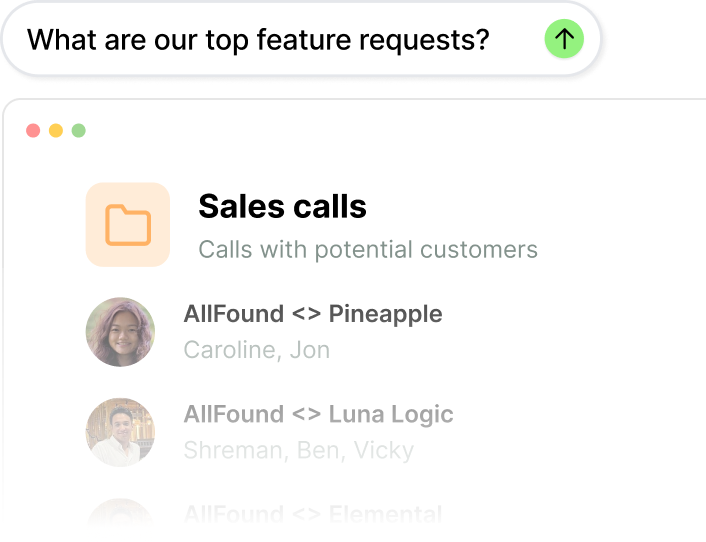
The point isn't any single meeting — it's all of them. When every conversation lands in one searchable place, Granola has the full context of your working life: what was promised, what changed, what matters this week. You can ask questions across your entire meeting history, draft follow-ups grounded in what was actually said, and — via Granola's MCP integration — put that context to work in the AI tools you already use, like Claude and ChatGPT.

The most useful things happen after the call is over. Granola lets you edit and refine your notes, apply templates to structure the output (useful for sales calls, user research, standups, and more), and ask questions across your full meeting history.

From there, you can push notes and action items into your existing tools: CRM entries to HubSpot, Attio, or Affinity; tickets to Linear or Jira; summaries to Slack. Granola's MCP integration means these connections happen automatically once you set them up, so the meeting ends and the admin doesn't pile up.

General-purpose AI is reactive: you have to bring the content to it. That means manually pasting a transcript or uploading a recording, then prompting it to do something with the material. It doesn't sit on your calendar, listen to your meetings, or remember what you discussed last Tuesday.

AI meeting assistants are purpose-built for the meeting layer. They capture in real time, structure notes against your calendar and attendees, and store everything as a searchable archive. Granola captures your meeting audio without joining as a bot, then automatically enhances whatever you typed during the call into a structured summary.

And via Granola's MCP integration, your full meeting history is queryable directly from Claude or ChatGPT. So it's less Granola versus general AI, and more Granola underneath it. Your meetings become context that your other AI tools can actually use.

AI Meeting Assistant - Without the Bot | Granola