





So, you think it's easy to change an app icon?
February 9
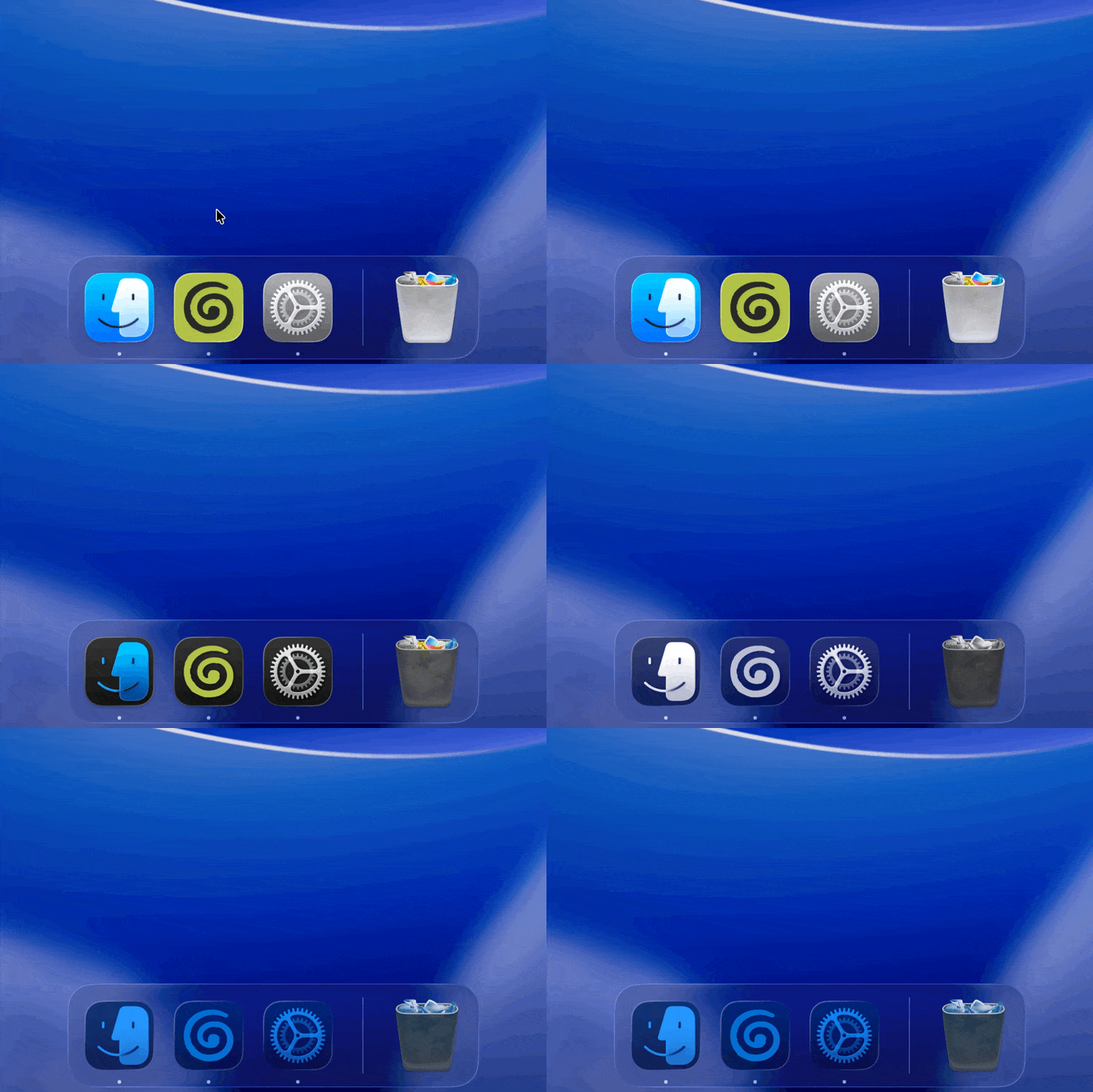
We wanted to let users customize our app's icon. Sounds straightforward, right? In this post, I'll explain how macOS renders icons, why changing them at runtime is trickier than you'd expect, and how the Calendar app shows the current date in its Dock icon.
Before diving in, let me set some ground rules:
- The custom icon should appear consistently across the Dock, Finder, Launchpad, and Spotlight.
- The default icon should use macOS Tahoe's dynamic
.iconformat, with support for light, dark, clear, and tinted variants. Custom icons can be static images, but the default should have all the dynamic behaviour that macOS users expect.
The naive approach

Granola is an Electron app, so we started with the obvious:
app.dock.setIcon("/path/to/red.png");The Dock icon changes like you'd expect, but then you quit the app and the original icon comes back. Open Finder, original icon there too. We haven't actually changed the icon, just drawn over it temporarily.
What's going on? app.dock.setIcon() sets the running process's icon, but it doesn't touch the app bundle on disk. As far as macOS is concerned, nothing has changed.
A plugin that runs when your app doesn't
Remember the Calendar app? It somehow shows the current date even when it's not running. After doing some digging, it turns out macOS has an API exactly for this: NSDockTilePlugIn. You ship a small plugin bundle alongside your app, and the Dock loads it. It stays around even when your app isn't running, which is exactly what we need.
When you set a content view on a Dock tile, it replaces the default icon. When you clear the content view, the system goes back to rendering whatever's in the bundle. The dynamic .icon comes back automatically, dark mode support and all.
But what about Finder? Still the old icon.
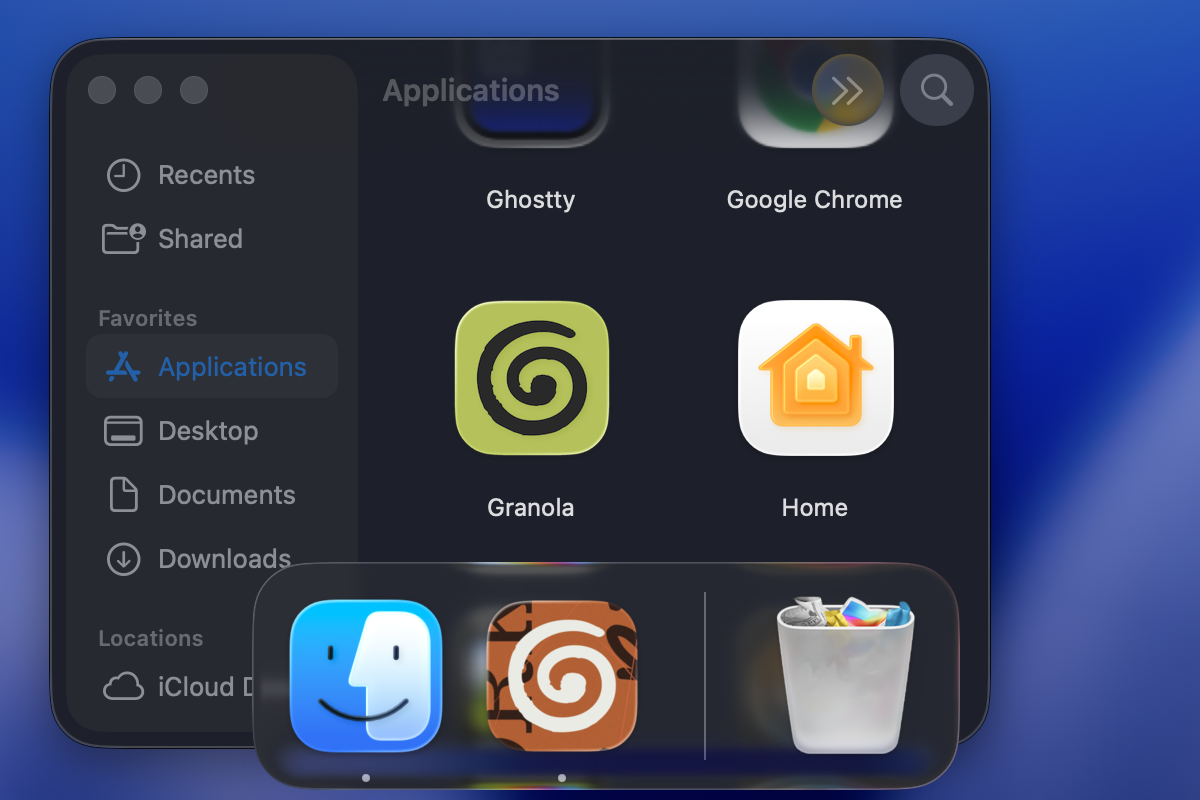
There's another API for that: setIcon:forFile:options: sets a custom icon directly on the .app bundle. It's the same mechanism you use when you paste an image in a file's "Get Info" window.
Now Finder shows the custom icon. Spotlight and Launchpad too, so the experience finally feels native.
Turns out the Dock has a cache
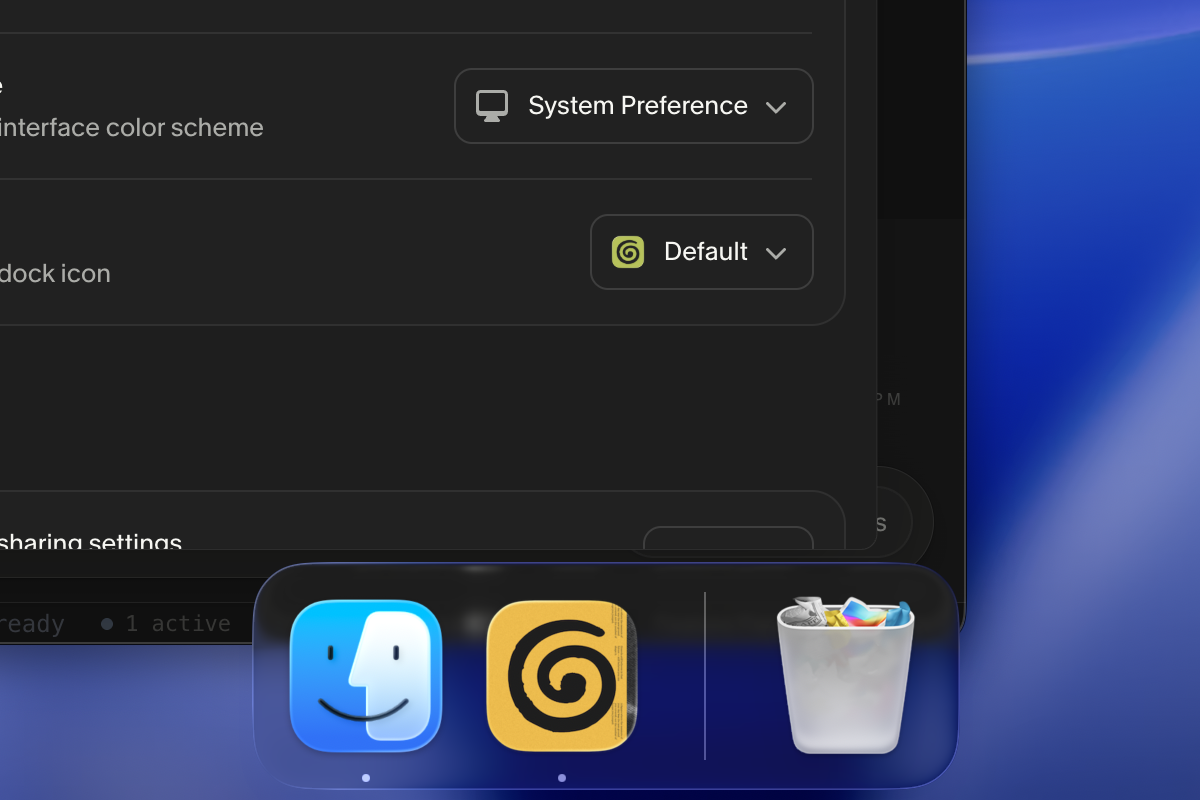
Everything works until you try to reset. Set a custom icon, quit, relaunch. On launch, the Dock caches the Finder icon as the canonical icon for that app. Now you reset to default. The Dock doesn't fall back to the bundle's .icon. It falls back to its cache, which is still the custom icon.
The problem is that resetting means unsetting. We're not providing an explicit image, so we're at the mercy of whatever the Dock cached on launch.
While debugging, I noticed that toggling the icon appearance in System Settings caused the Dock to refresh every icon immediately. After doing some digging, I found a notification that System Settings sends to the Dock which forces it to rebuild its cache. You can trigger the same notification programmatically by using a private API to read the current icon appearance configuration and re-save it:
Class cls = NSClassFromString(@"SLSIconAppearanceConfiguration");
id config = [cls performSelector:
    @selector(fetchCurrentIconAppearanceConfiguration)];
[config performSelector:@selector(save)];
You're just telling the system "something about icon appearance changed, recompute everything." The Dock throws away its cache and picks up the real icon.
Putting it all together
When you set a custom icon, we write that choice to disk, set the Finder icon, notify the Dock tile plugin, and refresh the system cache. The plugin wakes up, reads your choice, and sets the Dock tile. The icon updates everywhere, instantly.
When you reset to default, we clear everything and refresh the cache again. macOS goes back to rendering the dynamic .icon from the bundle.
If you're interested in working on problems like these, we're hiring!

Dante, Product Engineer